
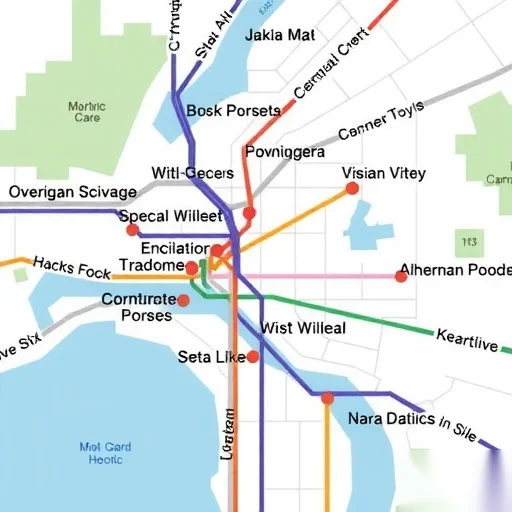
Creating a home travel guide map is an excellent way to plan your trips efficiently and ensure you don’t miss any must-see attractions. Whether you’re planning a weekend getaway or a long-haul vacation, having a clear, organized map can save you time and enhance your travel experience. This guide will walk you through the essential steps to create your own home travel guide map, making your next journey more enjoyable and stress-free.
Starting with the right tools is crucial. You don’t need to be a cartographer to create a functional map—simple tools like Google My Maps, physical paper, or even digital drawing apps can work. The key is to focus on the information that matters most to you: destinations, transportation routes, nearby amenities, and points of interest. By prioritizing these elements, you can create a map that’s both practical and personalized.
When designing your map, it’s important to consider the scale and level of detail. For a local trip, a small-scale map with key landmarks and addresses might suffice. However, for a larger destination, including roads, public transportation options, and nearby attractions will provide more value. You can also use color-coding to differentiate between types of locations—such as green for parks, red for restaurants, and blue for hotels. This visual system makes it easier to navigate and plan your itinerary.
Including practical details like opening hours, contact information, and tips for each location can make your map even more useful. For example, if you’re visiting a museum, adding its opening hours and any special events can help you plan your visit more effectively. You can also note any nearby parking options or public transit stops to ensure you arrive smoothly. These small additions can make a big difference in your travel experience.
Let’s look at a real-world example. Suppose you’re planning a trip to Kyoto, Japan. You might start by marking the main tourist spots like Fushimi Inari Shrine, Kinkaku-ji, and the Gion district. Then, you can add transportation routes, such as the city’s tram lines and bus stops. Including nearby restaurants, cafes, and accommodations will help you plan your daily activities. You can even add notes about the best times to visit certain attractions to avoid crowds. This level of detail ensures you have everything you need at your fingertips.
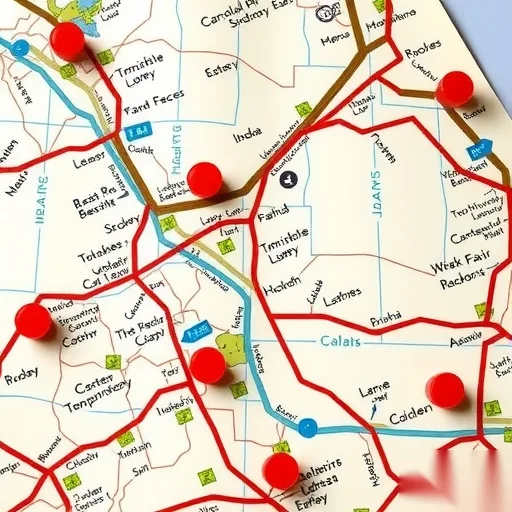
If you’re using a digital tool like Google My Maps, you can easily add markers, create custom layers, and even embed photos or links to websites. This flexibility allows you to tailor your map to your specific needs and preferences. For those who prefer a physical map, printing out a high-quality version and using highlighters or sticky notes can also be an effective way to organize your travel plans.
Another important aspect is keeping your map updated. As you travel, you might discover new places or find better routes, so it’s a good idea to revisit and revise your map as needed. You can also share your map with friends or family who are joining the trip, ensuring everyone has access to the same information. This collaborative approach can help you stay on track and make the most of your time together.
In addition to the practical benefits, creating a home travel guide map can also be a fun and engaging activity. It allows you to think creatively about your trip and visualize your journey before you even arrive. Whether you’re an experienced traveler or a first-time explorer, this process can help you feel more confident and prepared for your adventure.
Remember, the goal of a home travel guide map is to simplify your travel planning and enhance your overall experience. By focusing on the essentials and tailoring your map to your needs, you can create a valuable resource that will serve you well throughout your trip. With a little effort and creativity, you can turn a simple map into a powerful travel companion.




I love the example with Kyoto. It made me realize how useful a detailed map can be. I’ll definitely be using this method for my upcoming trip to Paris.
This guide was super helpful! I used Google My Maps to create my own travel map and it made planning so much easier. Thanks for the tips!
The color-coding idea is genius! I never thought about using different colors for different types of places. Definitely going to try that on my next trip.